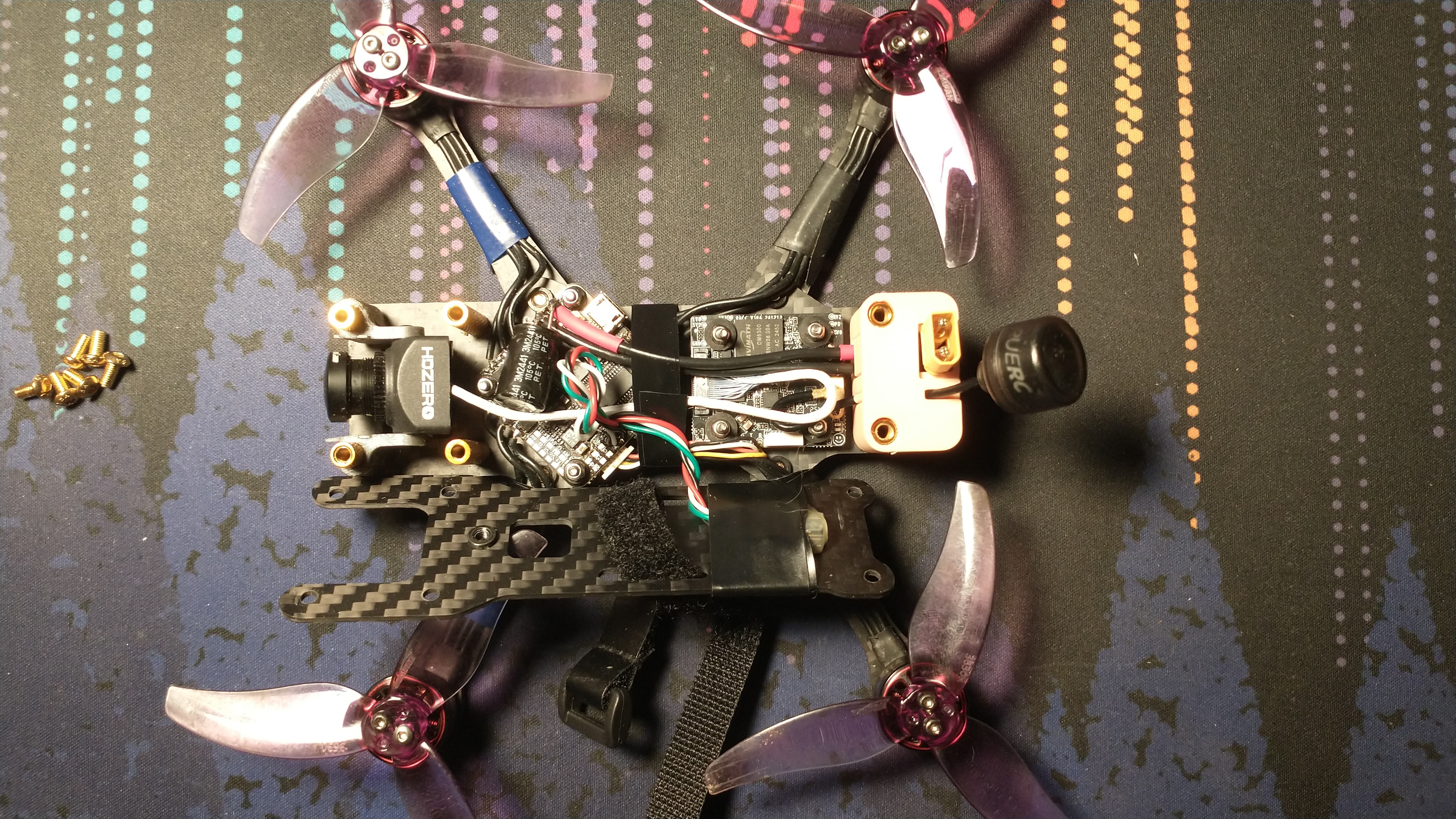
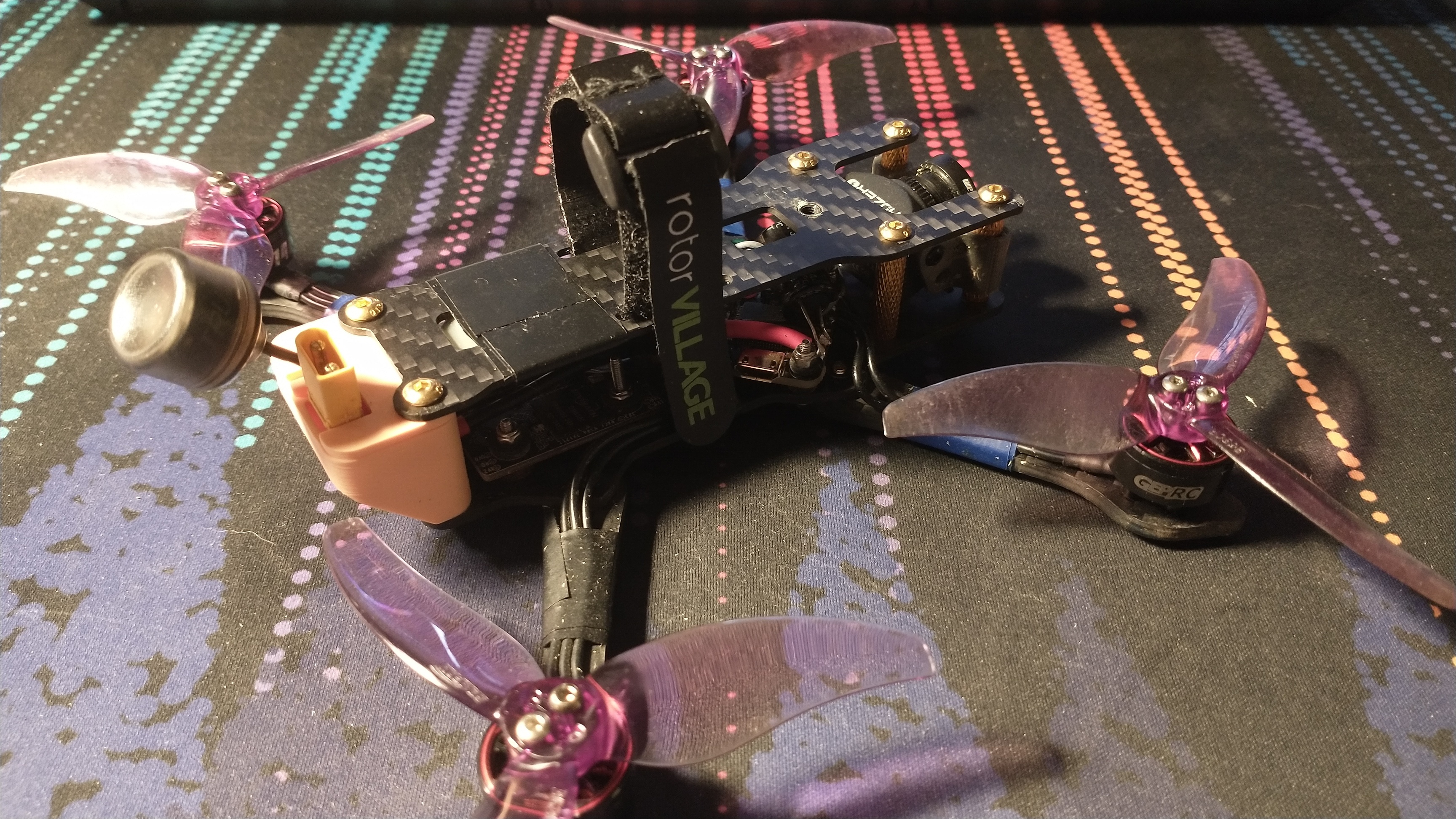
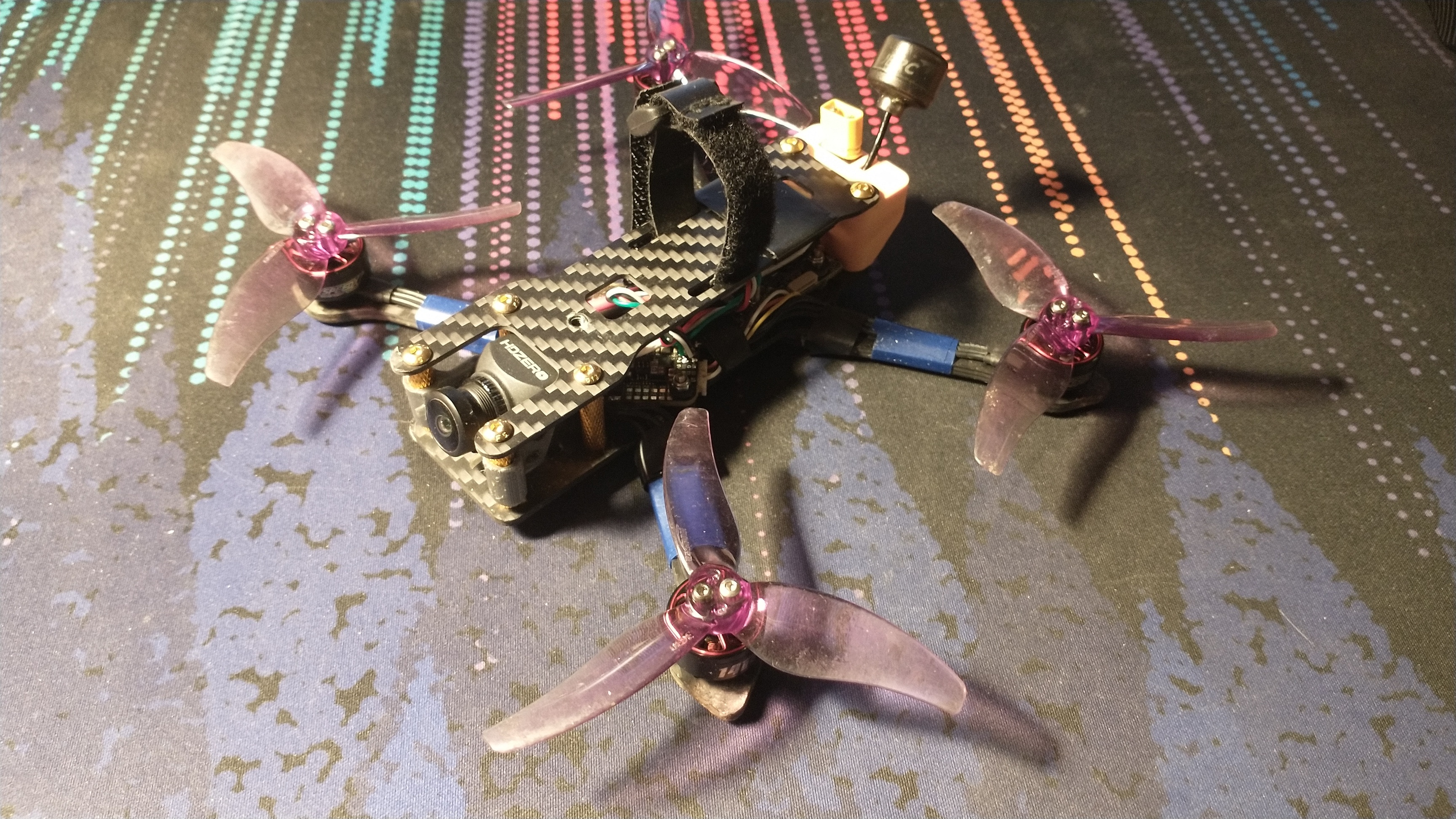
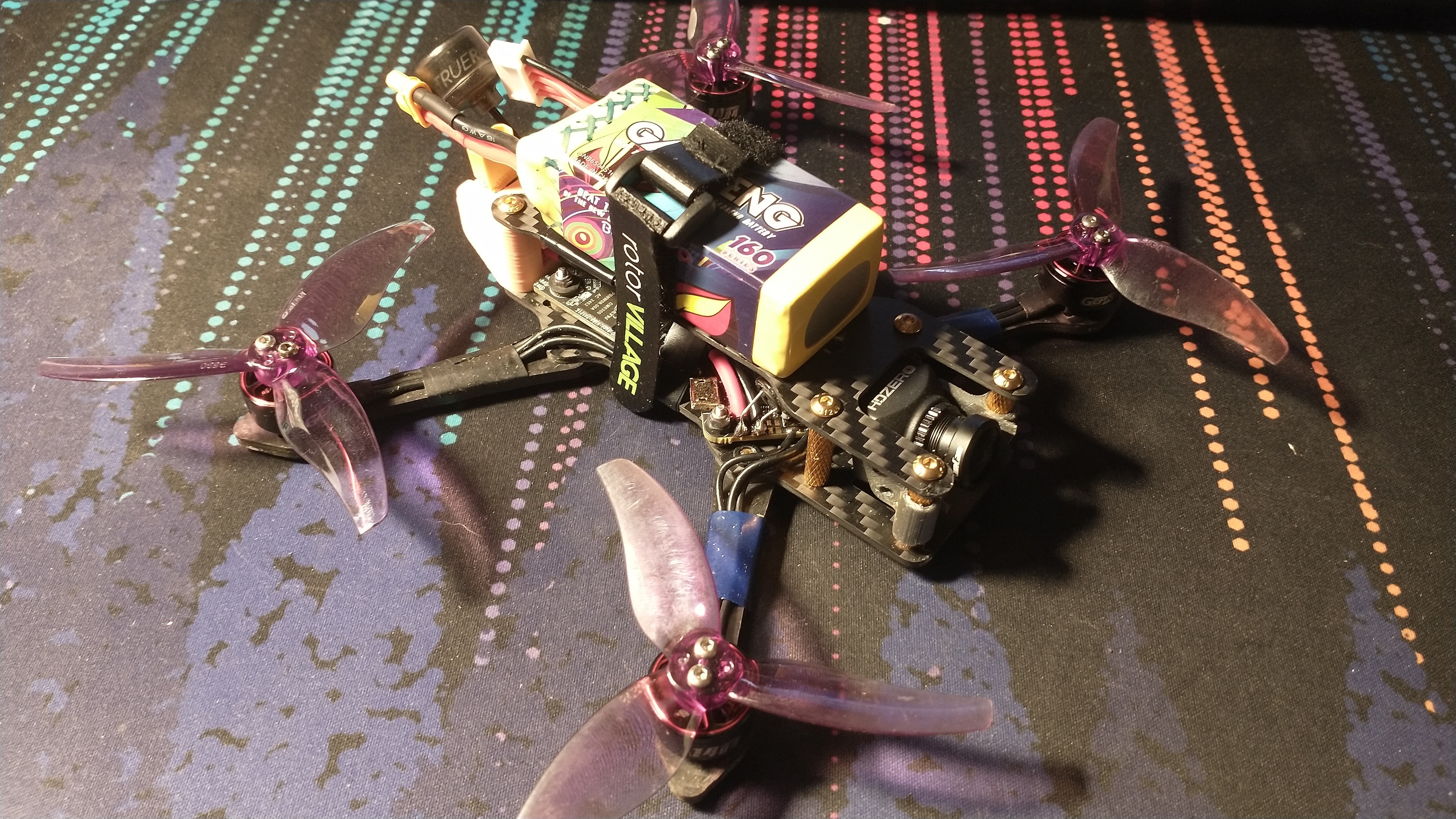
The albatros drone is not the same as it was initially. I made quite a few upgrades and updates based on some lessons learns and desire to improve my experience. Here are the main one:
Video System
I switched from analog to HDzero. I have to admit I was very jalous of the wide and clean video that other people were getting with digital system and I wanted some of that for myself. Fortunately, I did not go for the cheapest analog goggles possible for my first build and I immediately jumped to the HDzero BoxPro goggles. These support HDzero and analog which allowed me to dip my toes with a cheap analog system and now upgrade to digital with the same goggles.
Unfortunately, the analog and digital cameras are not the same so I could not reuse it. I bit the bullet and bought the HDzero Race V3 VTX and the HDzero Nano v3 camera. Then I realized the camera I bought was unecessarily small and the MIPI cable was too short. so I bit another bullet and ordered a longer cable and upgraded the camera to the Micro v3. Now I have a spare camera (never hurts) and I can enjoy the wide aspect ratio and much better quality.
I am sure other system could do better but this one is mine and installed and working on my drone and that is worth something.
GPS
I installed a GPS, connected it to Betaflight, configure everything to enable AltitudeHold and PositionHold, and… it did not work well. I could clearly see that the drone was trying to maintain a position but it was drifting a lot. It could be because I did not have enough satelites (~15, seems like enough) or becaue of an improperly calibrated gyro, I have no idea.
This drone is really not meant for activities where I would need a GPS so I removed it. I am happy to have tried it and I understood BetaFlight a little better but I won’t be using it on this drone. Maybe for a future build.
Power cable and 3D prints
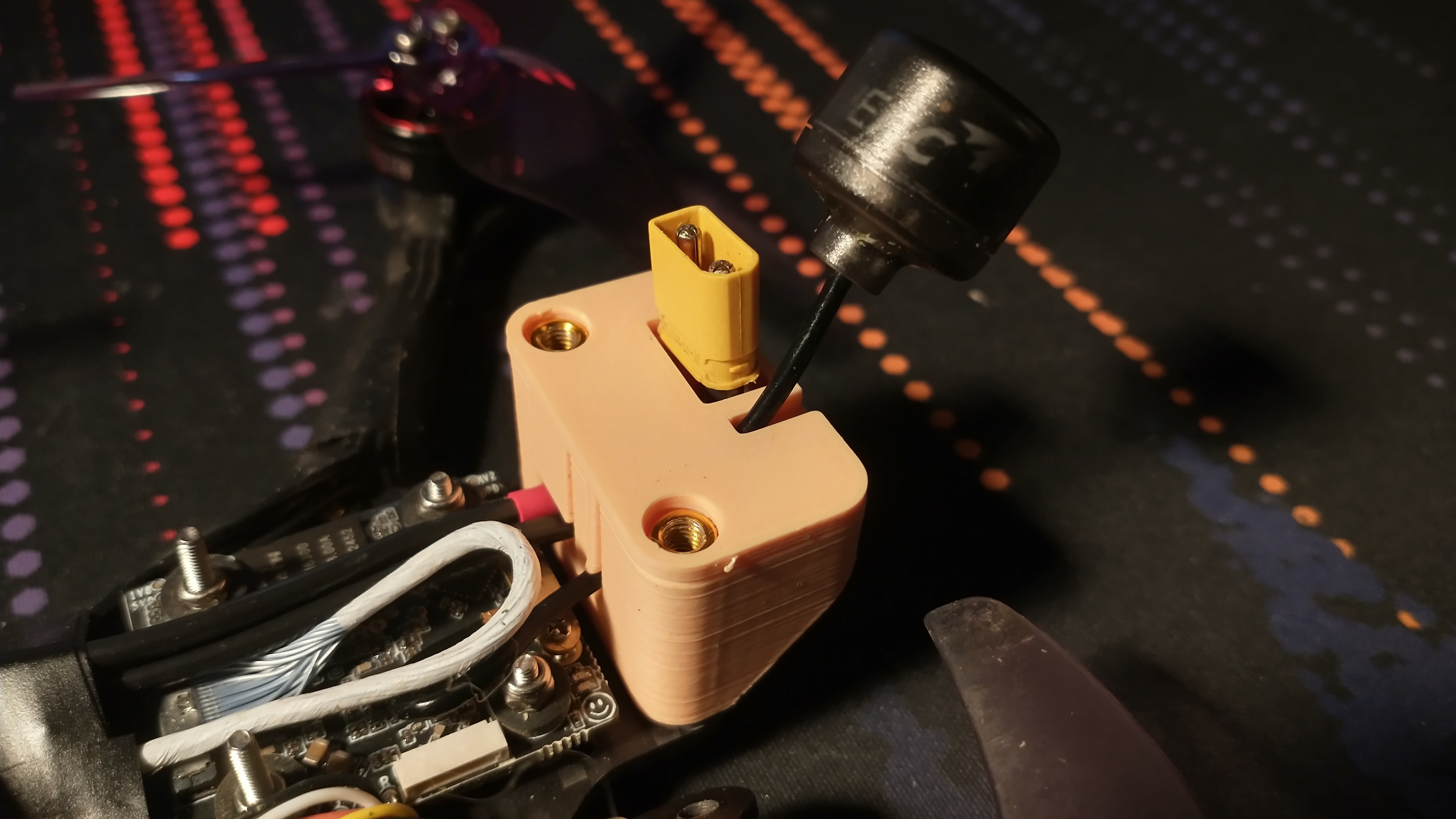
I made a pretty big mistake in the first build by routing the power cable on the outside of the frame. Most of the time it is snug along the battery and everything is fine. But sometime — for example after a frontal crash — the battery would move forward and not pull the power cable tight anymore. When this happened, the propeler started cutting into the power cable. I heard the weird noise and I checked th drone and that was the end of this session. Now the poser cable is router on the inside of the frame and comes out at the very back in a 3D printed “backpack”. This backpack also holds the video antenna in place.